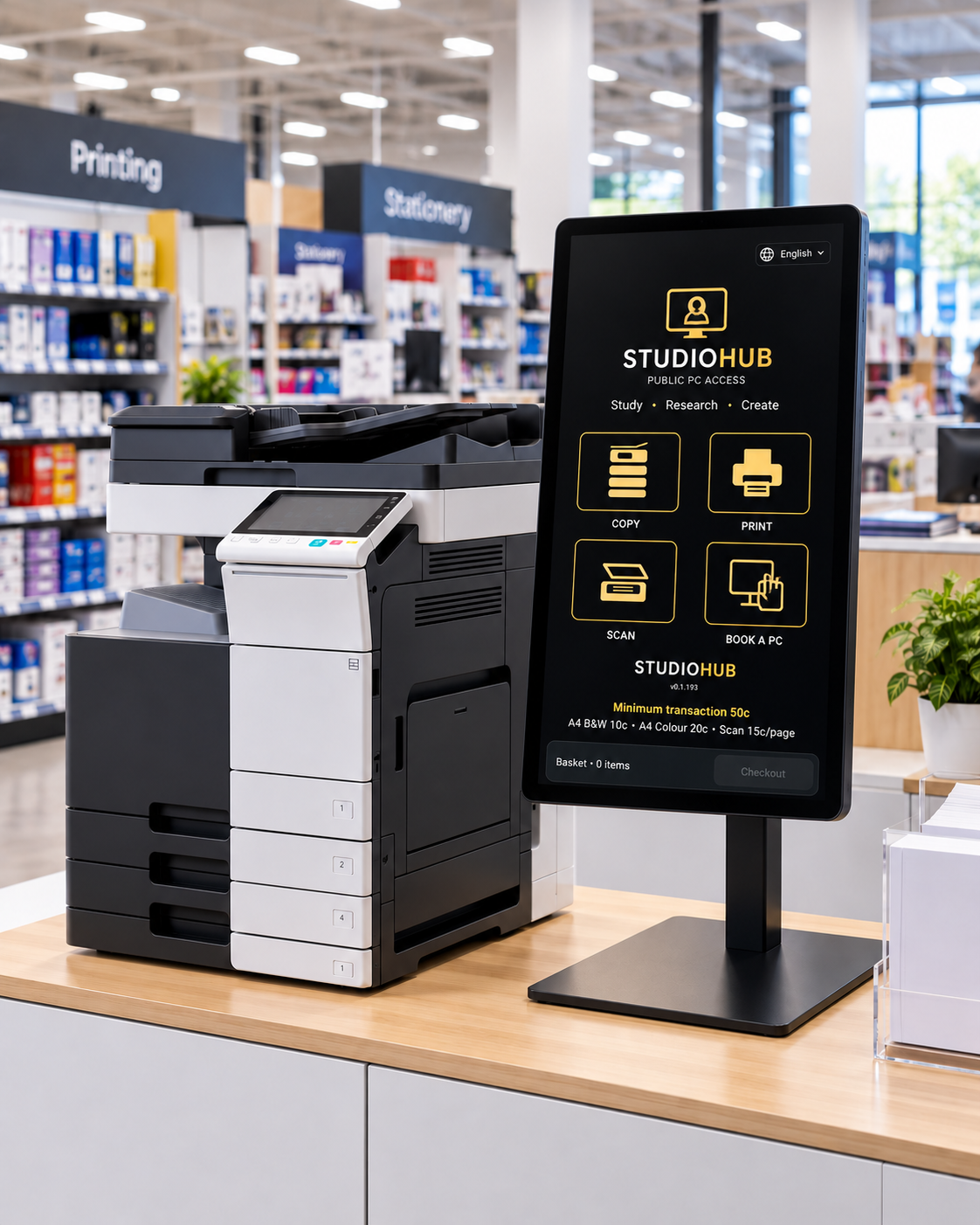
Document Services Kiosk
Print, copy, scan, Document Tools and integrated payments from one managed service point.
Flexible deployment across supported Android kiosk hardware.StudioHub brings it all together and manages the technology behind it.
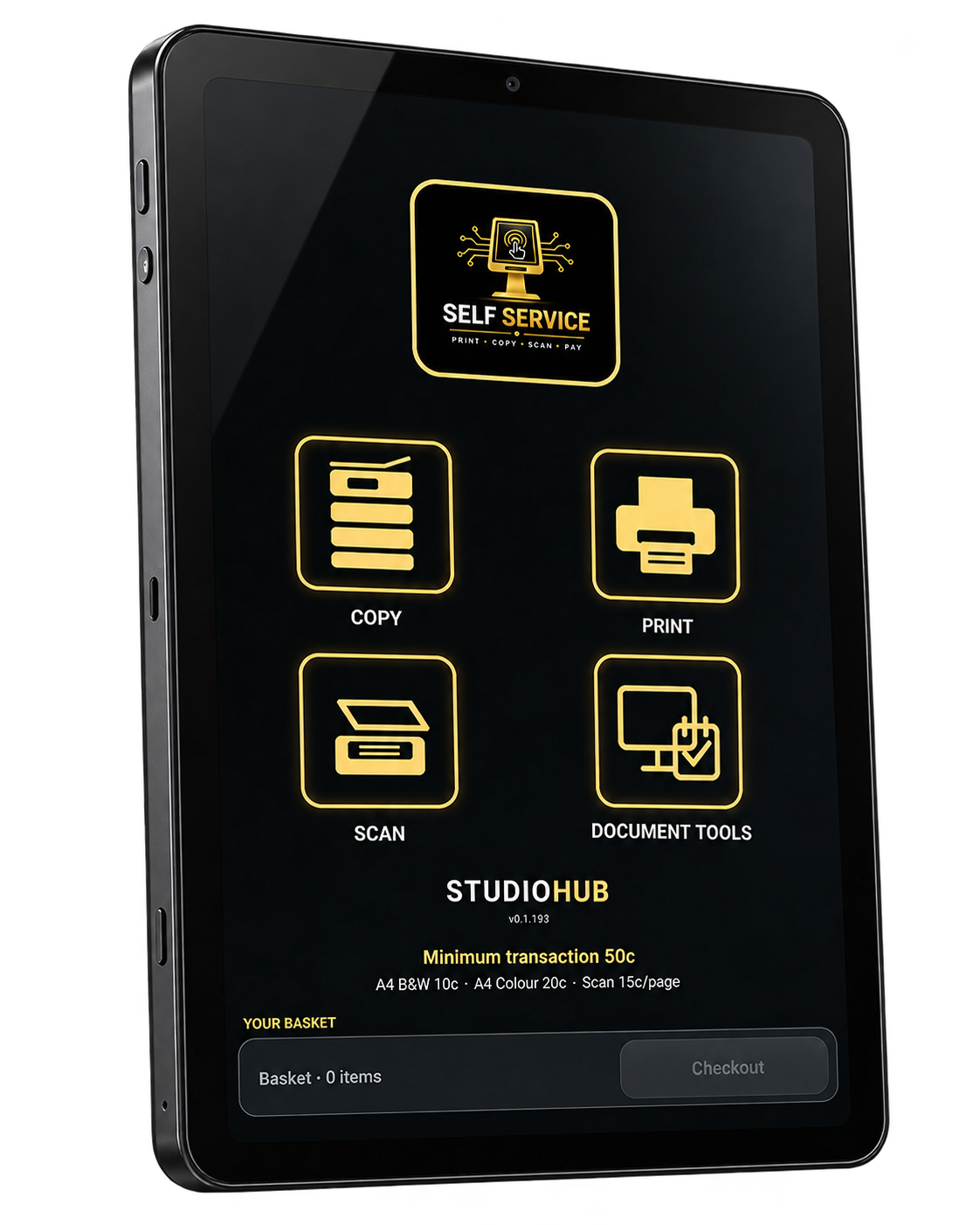
StudioHub connects document services, public PCs and access services, while managing every site centrally.
Print, copy, scan, Document Tools and integrated payments from one managed service point.
Flexible deployment across supported Android kiosk hardware.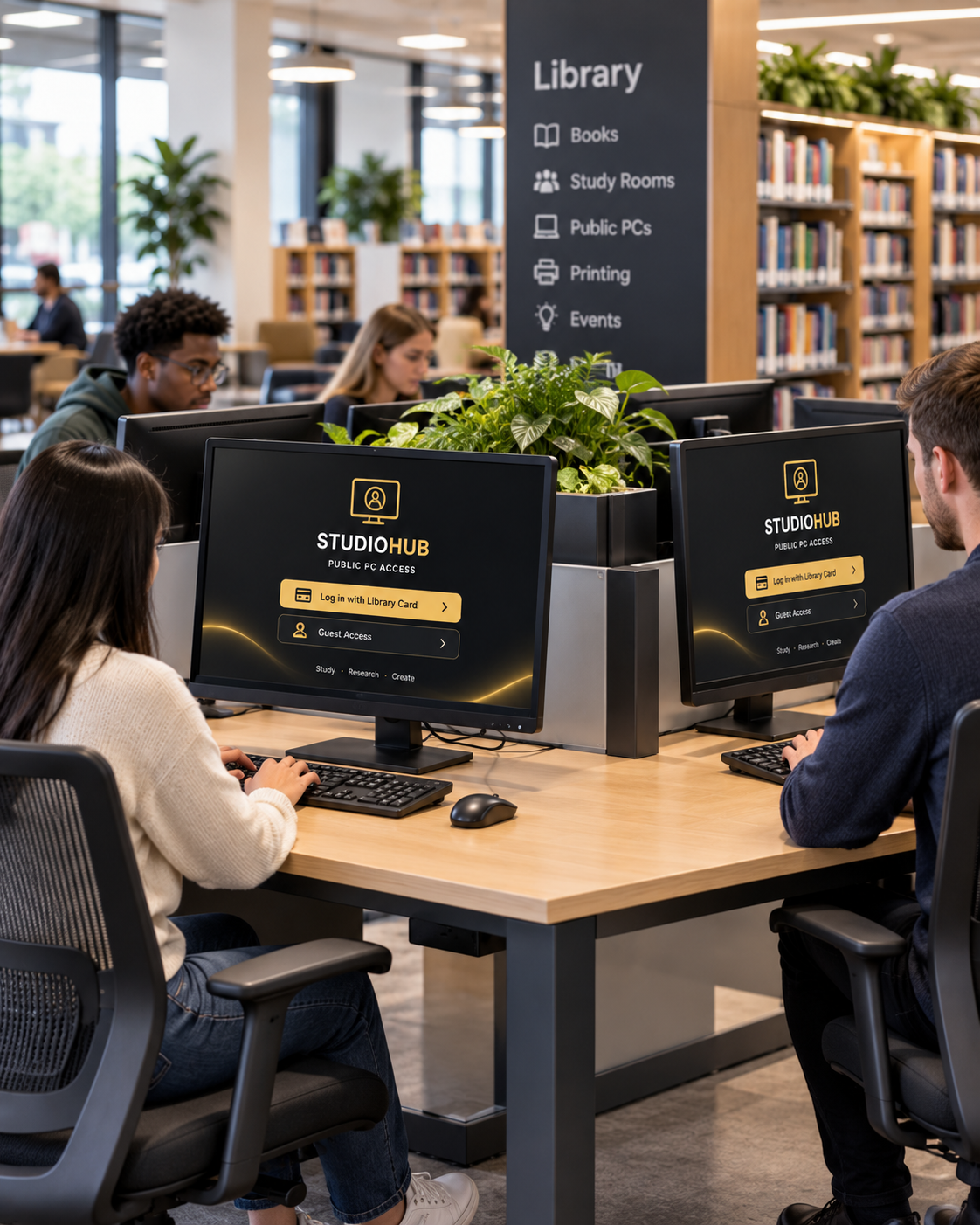
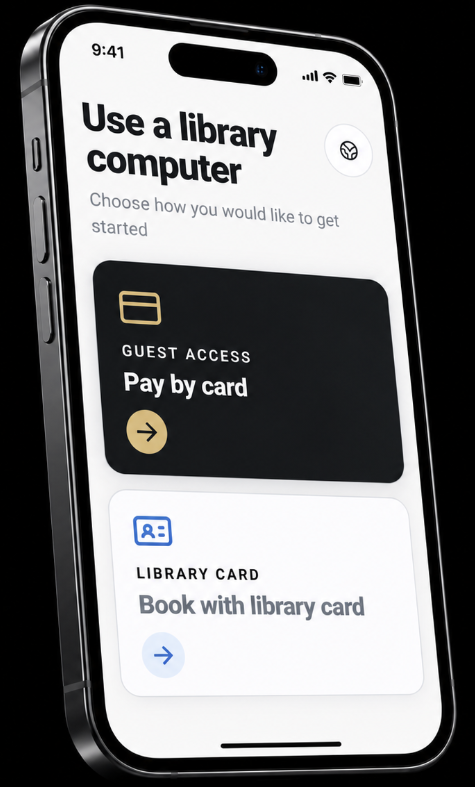
Scheduled bookings, walk-up access, QR entry, member verification, controlled sessions, grace periods and extensions.
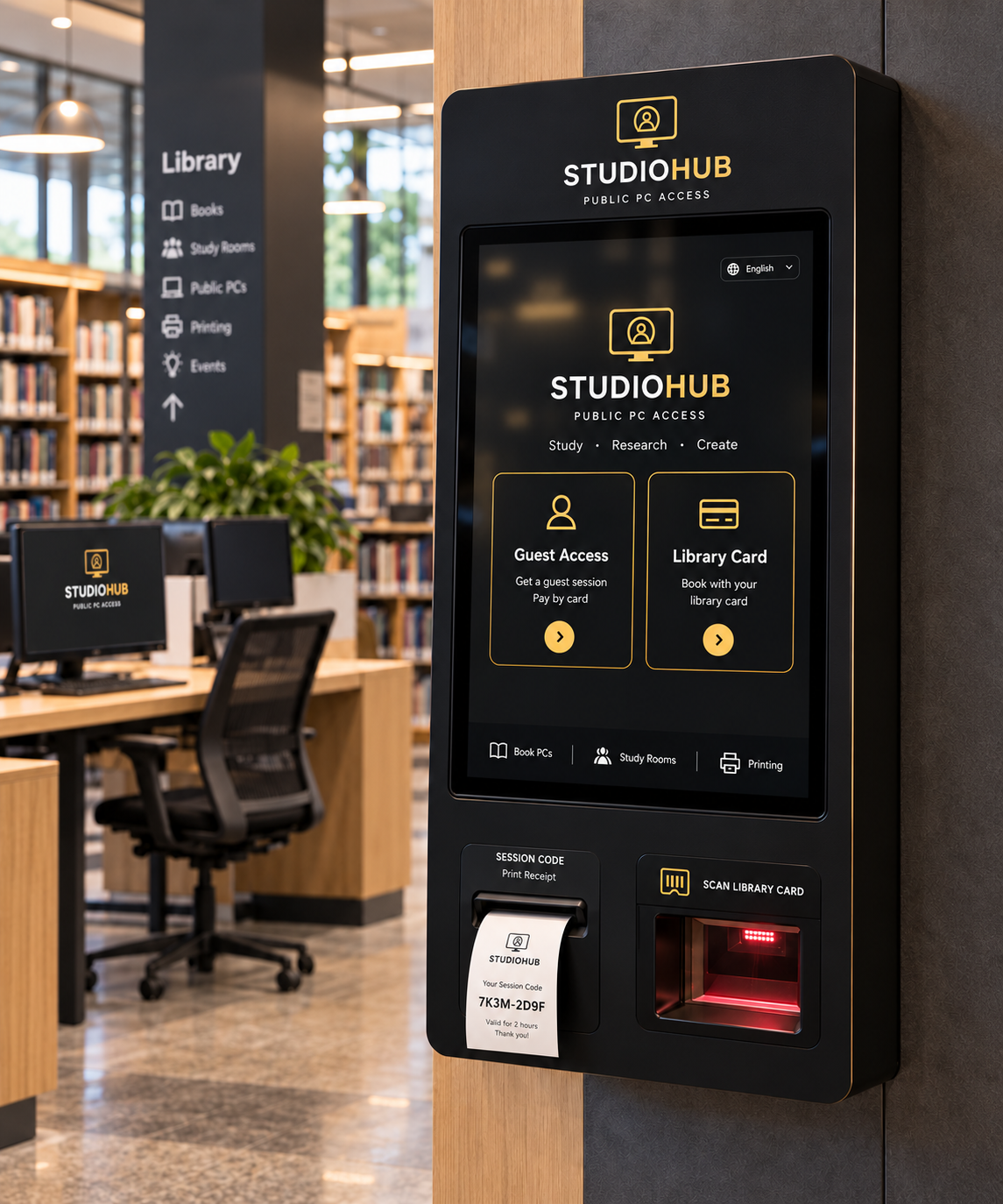
Book PCs, support guest and paid access, verify members and provide guided public access workflows from one managed kiosk.
StudioHub isn’t tied to a single tablet manufacturer or form factor. Deploy across compact Android kiosks, large-format self-service screens and public PC workstations while managing them through the same StudioHub platform.
One platform. Multiple device types. No single-supplier hardware lock-in.
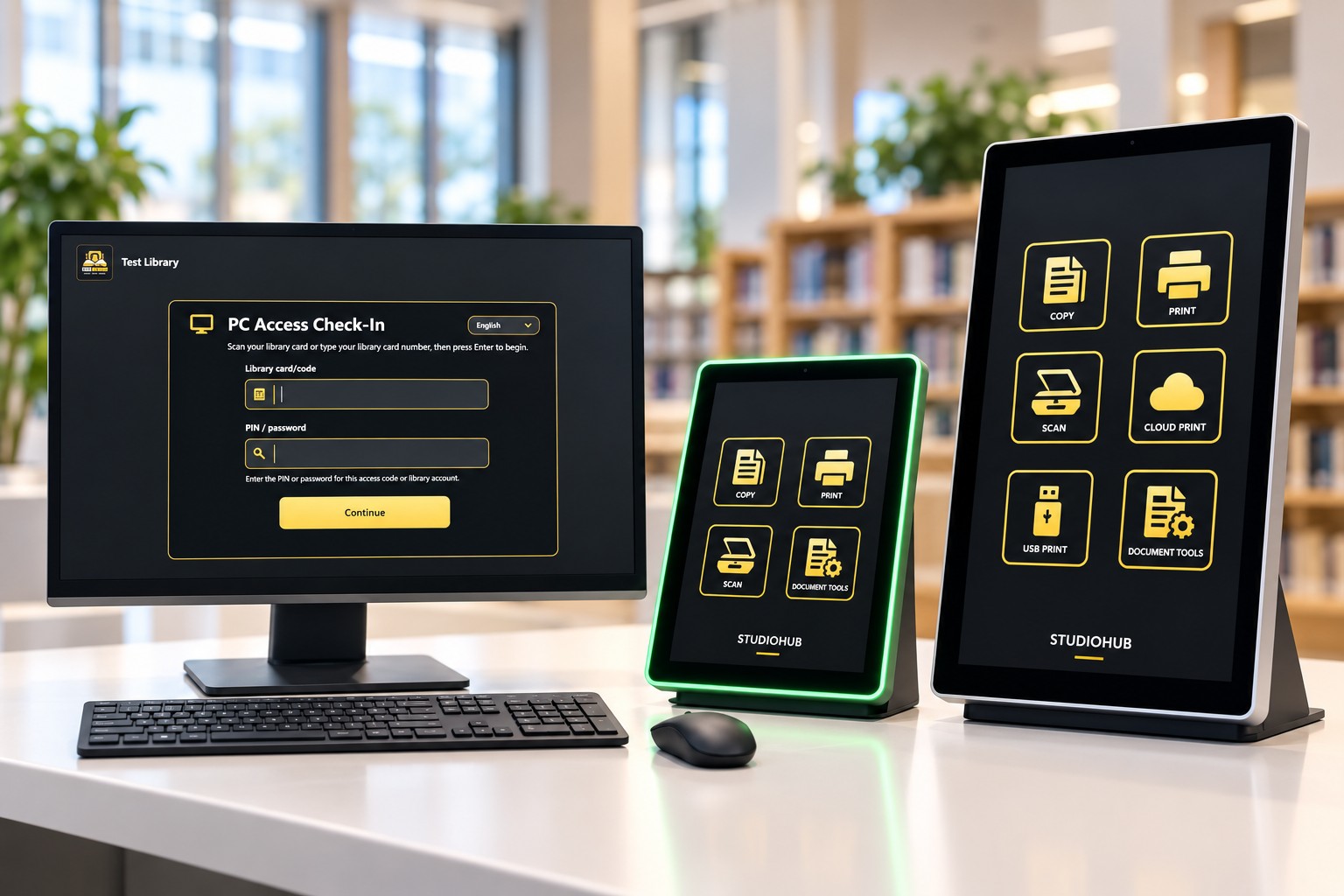
StudioHub manages scheduled and walk-up access to public PCs, with controlled sessions, grace periods and extensions.
Organisations can support member access, guest bookings and paid access where required.
Library-system integration. StudioHub can integrate user verification and access workflows with supported library systems, with access rules controlled centrally.
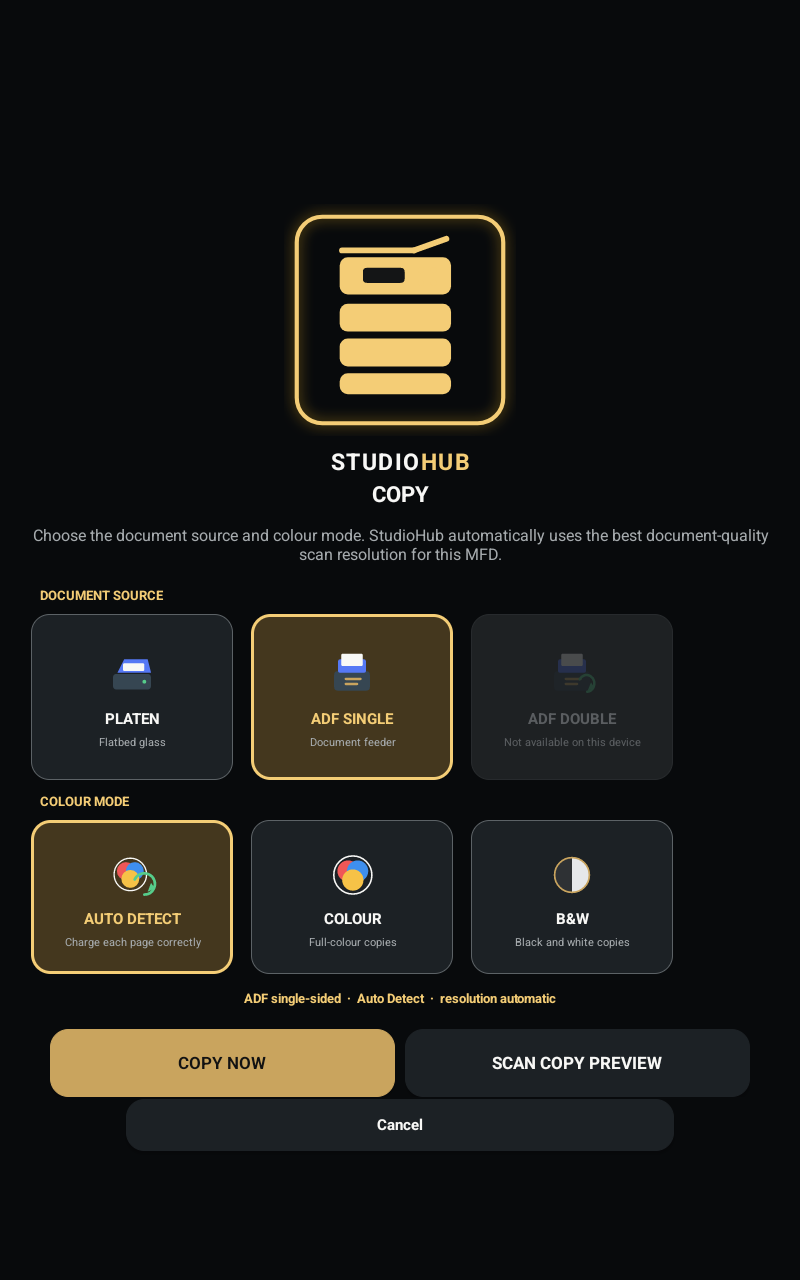
A guided copy workflow on the StudioHub Kiosk, using the connected multifunction device (MFD) for scanning and printing. The user follows simple steps; StudioHub handles the device.
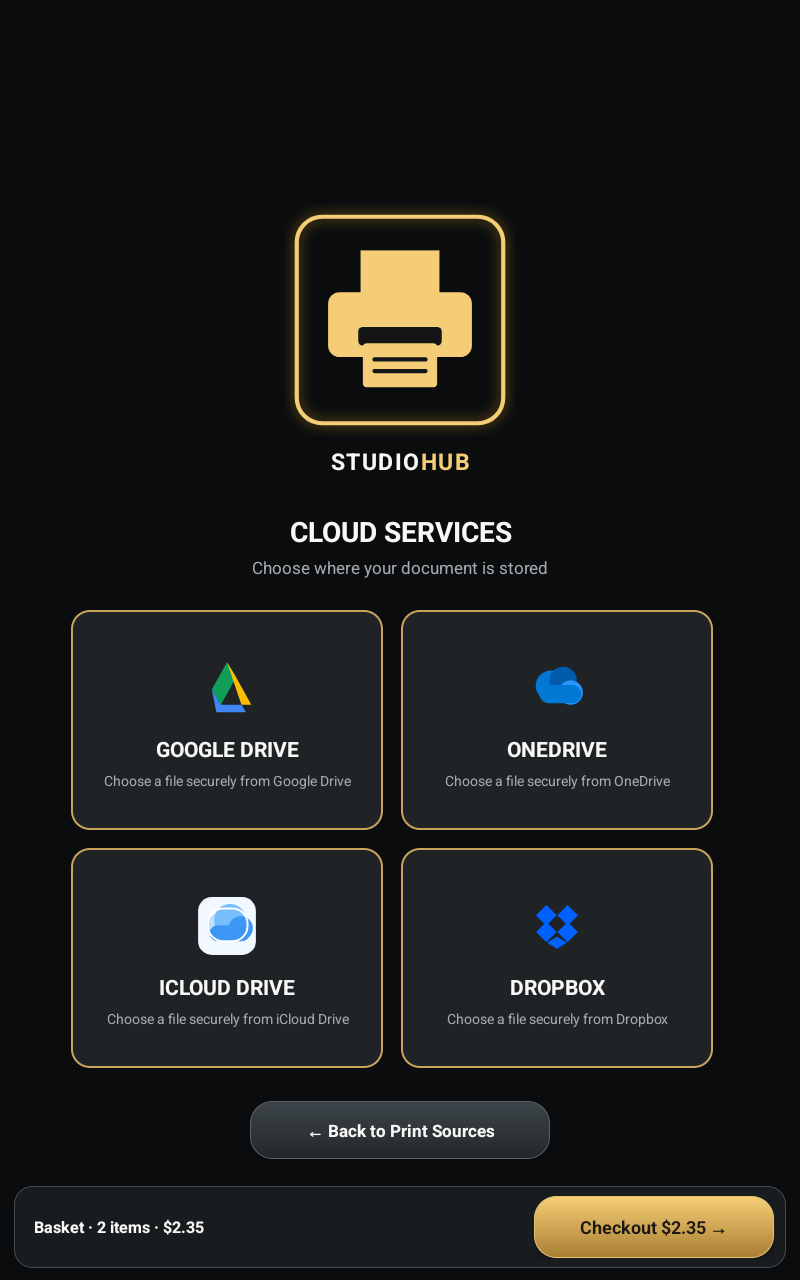
From email, USB or cloud sources. Preview, then release at the MFD.
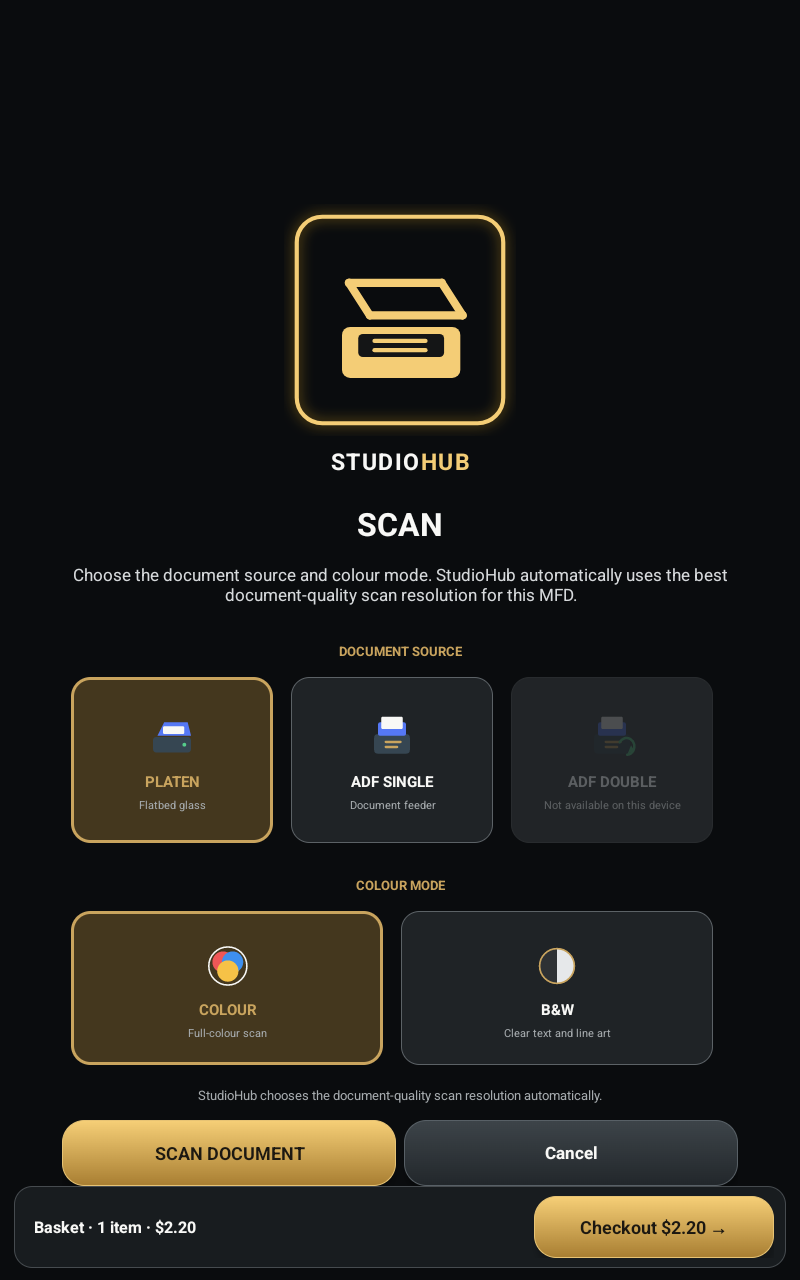
MFD scanning, started and guided from the StudioHub Kiosk.
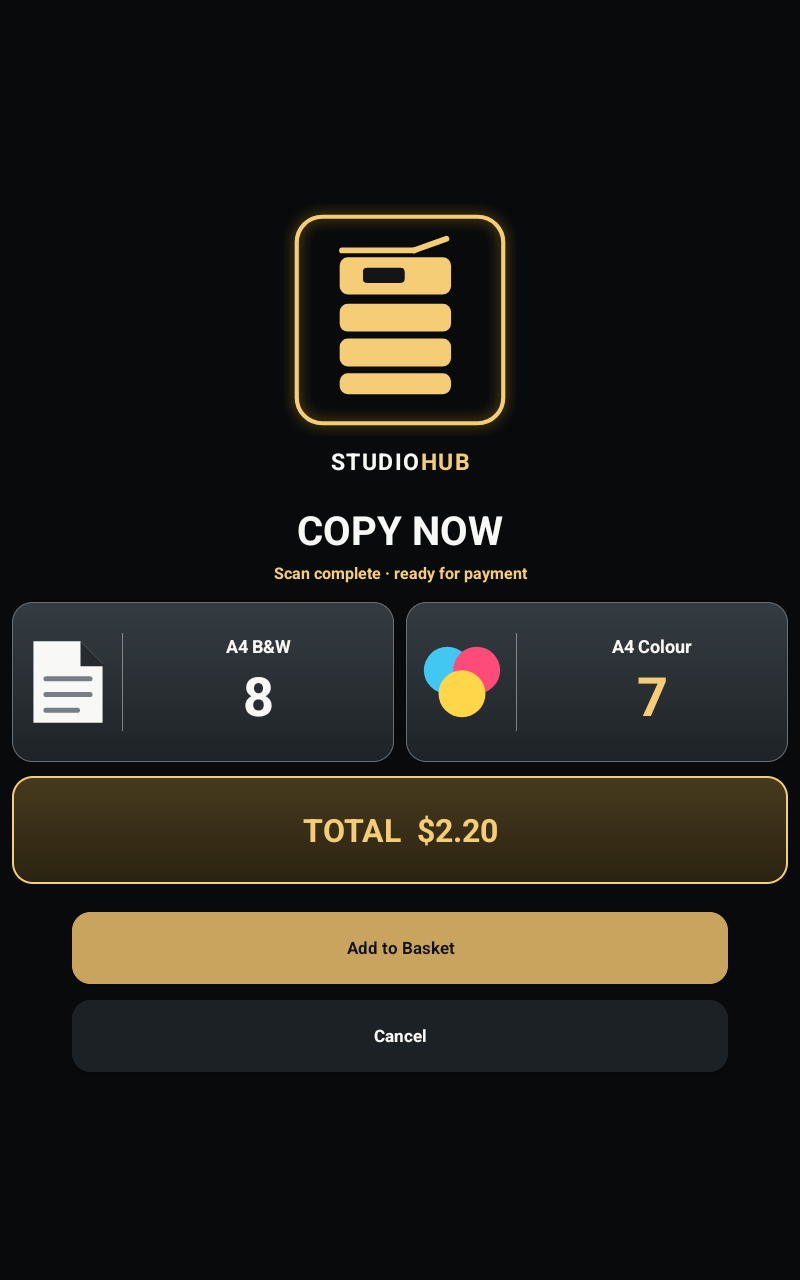
MFD copy services, added to the same basket as everything else.
Translate, convert and rebuild documents at the kiosk from scans, PDFs or handwritten pages.
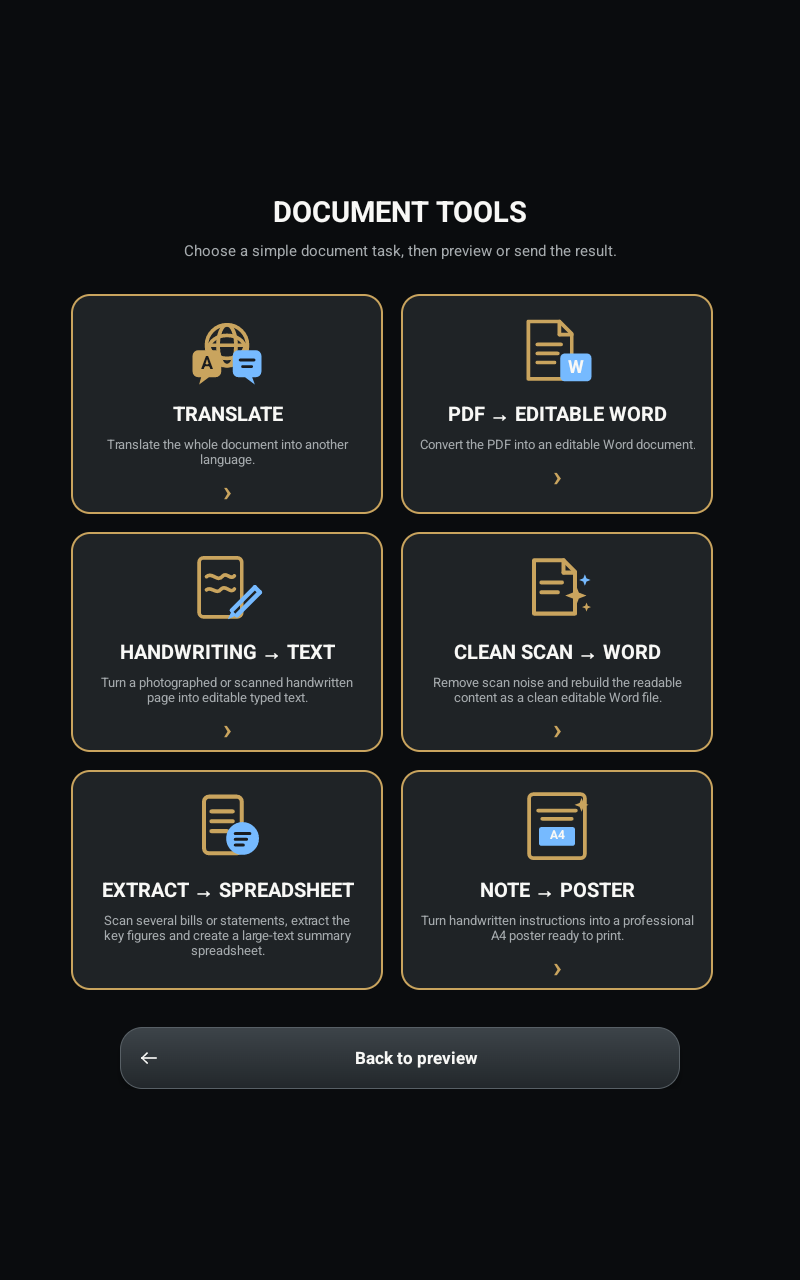
Translate a document into another language.
Turn a PDF into a Word document that can be edited.
Convert handwritten pages into typed text.
Turn a scanned document into clean, editable text in Word, removing background noise while preserving its useful structure.
Rebuild a scanned document as an editable Word file, preserving more of the original structure, tables and relevant images.
Turn documents into a spreadsheet.
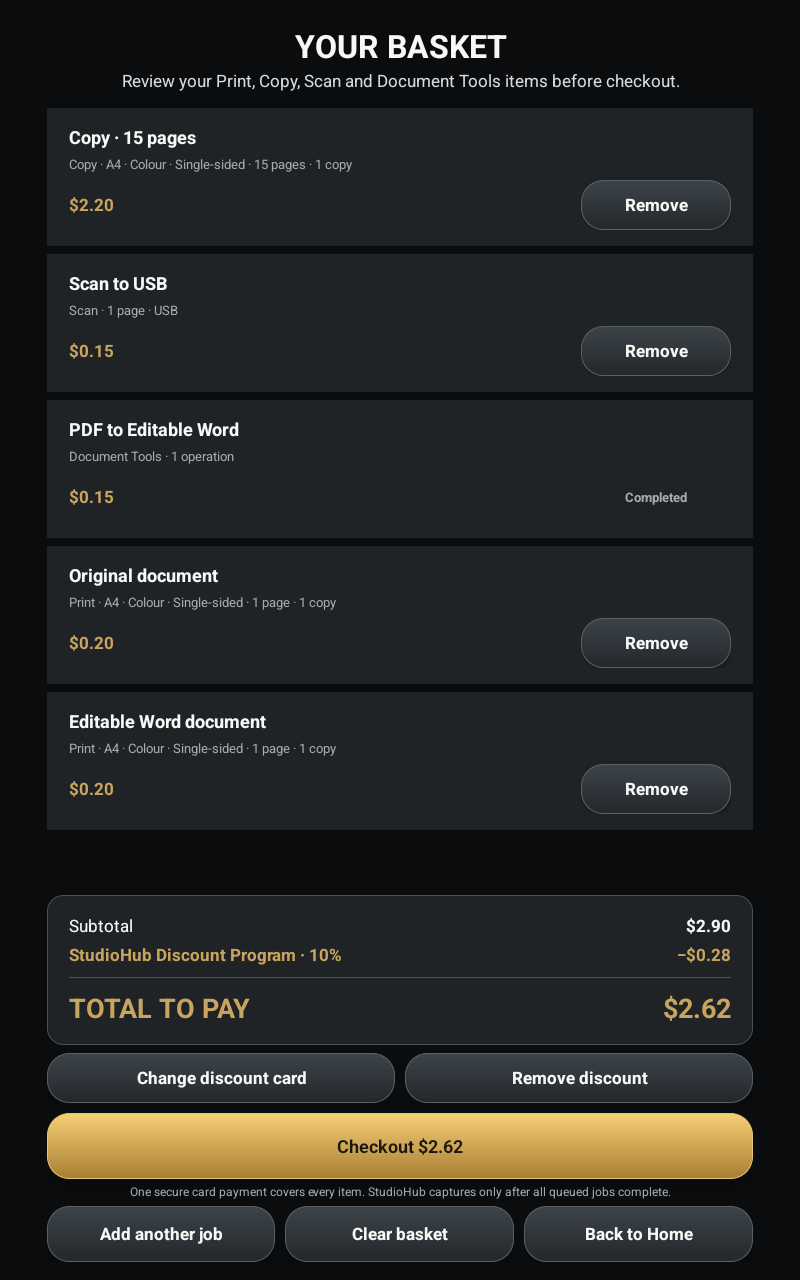
Integrated card and contactless checkout across StudioHub services. Users can build, review and adjust one basket, then pay once for everything.



Library and member discount cards also supported
Manage kiosks, MFDs and services centrally. View health, diagnostics and configuration, and deploy StudioHub Kiosk software updates remotely.
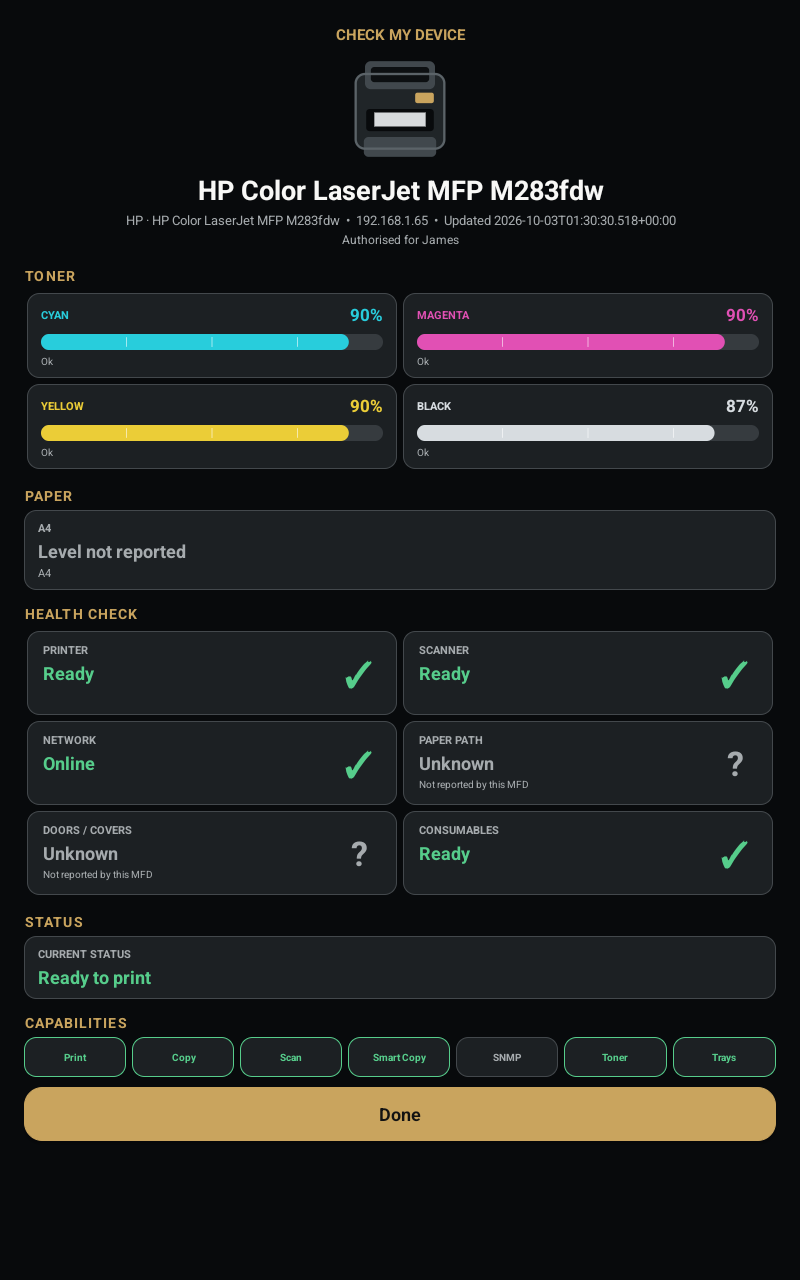
See every StudioHub Kiosk and connected MFD at a glance.
Monitor toner, paper, printer and scanner readiness.
Investigate issues and manage device settings remotely.
Deploy StudioHub Kiosk software updates across your fleet.
StudioHub can extend the same simple experience into PC access and assisted digital services.
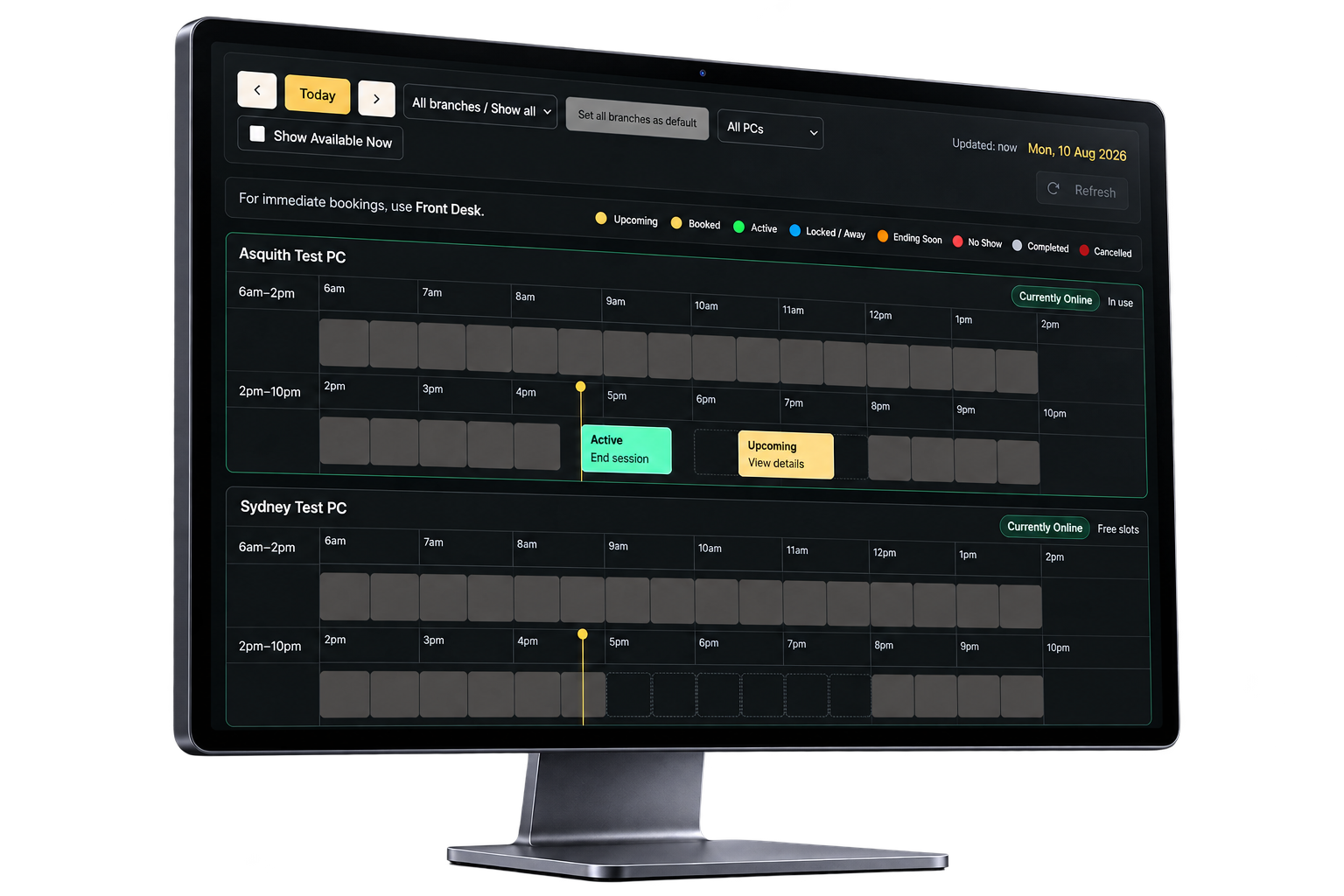
Scheduled and walk-up PC access, controlled sessions, QR access, grace periods, extensions and optional guest/paid bookings.
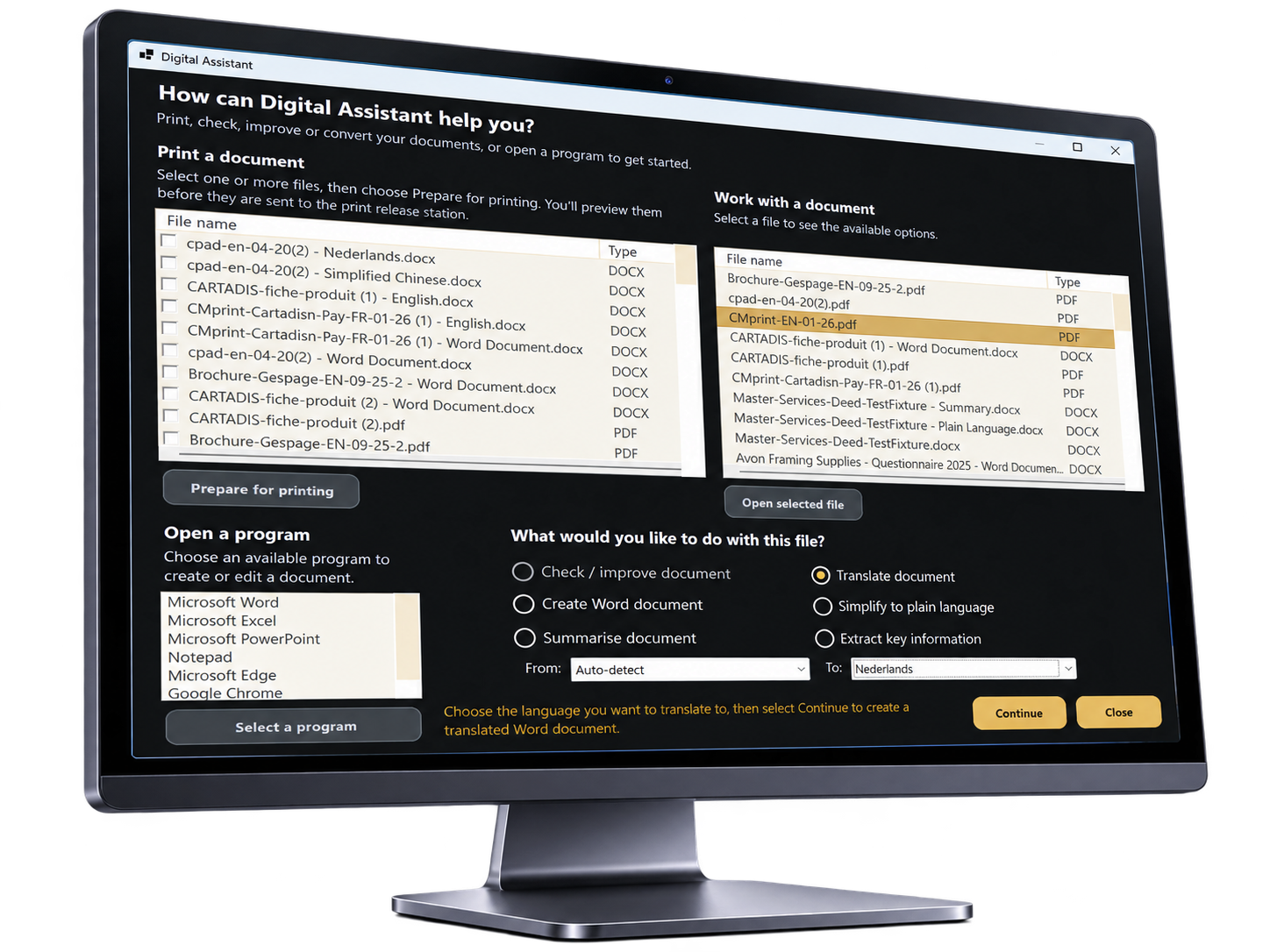
A guided StudioHub experience for supported digital tasks and document workflows, helping users complete common jobs without needing staff intervention.
Each organisation operates as its own tenant on the platform.
Administrators see and manage what their role allows.
User verification and access workflows integrated with supported library systems. Member, guest and paid access governed by central rules.
Branding and settings configured per tenant.
Platform-level administration kept separate and controlled.
Book a live demonstration or scope a proof of concept with our team.